iPhone app
Hide endless short-video feeds.
Feedbye hides Reels, Shorts and the For You feed. You still see messages, stories and your friends’ posts.
7 days free, then a subscription. Cancel anytime.
ForInstagramYouTubeTikTokThreadsXFacebook
What Feedbye hides
You just want to check your messages and end up in the Reels feed again? That doesn’t happen with Feedbye.
Instagram
Reels feedExploreFollowing feedStoriesMessagesYouTube
Shorts feedRecommendationsSubscriptionsSearchTikTok
For YouLIVEMessagesProfilesThreads
For YouTopic feedsFollowingProfilesX
Video swipingTrendsFollowingMessagesFacebook
ReelsVideosFriendsGroupsMessages
These are the defaults. You can switch every rule on or off.
You decide how many posts you see.
For example 10 a day. Then the feed is done for today. Messages and stories keep working.
The Instagram app stays locked.
Feedbye locks it with your iPhone’s Screen Time. To post, it opens for a few minutes and then locks itself again.
Tick off what you do instead.
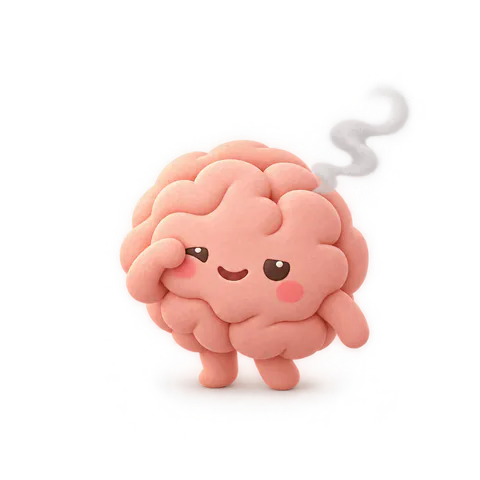
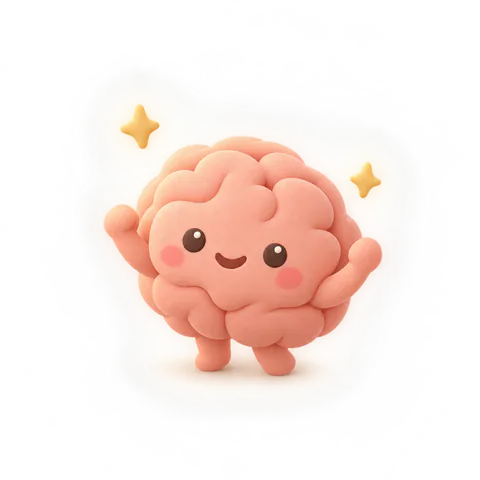
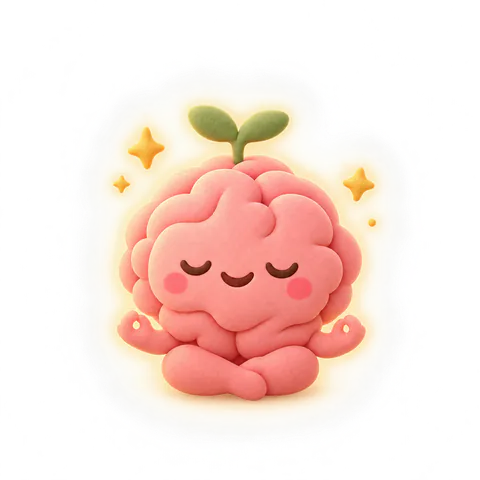
Like going for a walk or reading. Every tick recharges your mascot’s energy.

What else is included
- Video feeds hidden
- Daily limit per app
- 3 exceptions a day
- Original apps locked
- Post Mode
- Focus timer
- Bedtime
- Family plan

How much time do you get back?
45workdays a year
if you scroll only half as much. That’s 365 hours.
Same math as in the app: minutes × 365 ÷ 60 × ½. A workday has 8 hours.
7 days free, then a subscription. Cancel anytime.
Questions
Do I have to delete Instagram, TikTok or YouTube?
No. Your apps stay on your iPhone. If you like, Feedbye locks them with Apple’s Screen Time, and you open your feed in Feedbye, without Reels, Shorts and For You.
Will I still see what my friends post?
Yes. Posts from people you follow, stories, messages and profiles stay. You can hide the endless parts like Reels, Shorts and For You feeds.
How does the daily limit work?
You choose how many posts you want to see per app each day, for example 10. Then it ends until tomorrow. Need more just this once? You have 3 exceptions a day.
What happens when I reach my limit?
The feed ends for today. Messages, stories and profiles stay open. At midnight the day starts fresh.
How does locking the original apps work?
With Apple’s Screen Time. You pick the apps in Apple’s own dialog. If you open a locked app, a calm screen takes you to Feedbye. Apple keeps your selection private.
Can I still post?
Yes. Post Mode opens the locked original app for a few minutes. Then it locks again by itself.
Which apps does Feedbye support?
Instagram, YouTube, TikTok, Threads, X and Facebook. You need an iPhone with iOS 17 or later and your own account with each network.
How much does Feedbye cost?
With the yearly plan the first 7 days are free, then it’s €49.99 a year. Monthly, it’s €9.99. The family plan for up to 6 people is €99.99 a year or €14.99 a month. You pay through Apple and can cancel anytime in the App Store or your iPhone settings.
Is Feedbye an app by Instagram, TikTok or YouTube?
No. Feedbye is independent and not affiliated with any of these companies.
Is there a focus timer, bedtime and a widget?
Yes. During the focus timer and bedtime your feeds take a break. The widget shows on your home screen how much is left today.
What happens to my data?
The app has no tracking and no ads from us. What you look at and your feed counts stay on your iPhone. The privacy policy has the details.

Feedbye is coming to iPhone soon.
You don’t have to delete any of your apps.
7 days free, then a subscription. Cancel anytime.