
 AI-generated image
How to Set App Limits on iPhone for Social Media
iOS 27 replaced App Limits with Time Allowances. Here's how to limit Instagram, TikTok and YouTube with Screen Time, with menu names for iOS 27 and 26.
Read the article
Short guides with the real menu paths for Instagram, YouTube, TikTok and iPhone Screen Time. No app deleted.
AI-generated imageiOS 27 replaced App Limits with Time Allowances. Here's how to limit Instagram, TikTok and YouTube with Screen Time, with menu names for iOS 27 and 26.
Read the article
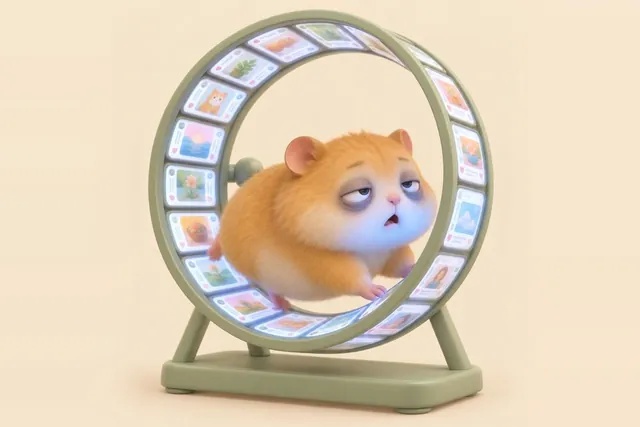
What doomscrolling means, why it's so hard to stop and what actually helps, including in bed at night. Straight answers with real iPhone settings.
 AI-generated image
There's no off switch for Instagram Reels. These 6 iPhone settings cut how many you see, and here's how to use Instagram without the Reels feed.
 AI-generated image
YouTube now lets you set your Shorts feed limit to zero. Here's how on iPhone in 5 steps, what it doesn't block, and how to block Shorts for good.
 AI-generated image
Use TikTok less without deleting it: set a screen time limit, reset your For You page and block TikTok on your iPhone. Three levels, real menus.
 AI-generated image
A 7-day social media detox checklist that keeps your friends and messages: real iPhone settings, one small step a day and every option compared.